
Touchscreens give semiconductor equipment operators a direct way to monitor processes, enter parameters, manage recipes, respond to alarms, and perform maintenance tasks. When the touchscreen is correctly designed, it can reduce the number of external controls, simplify navigation, and create a sealed front surface suitable for controlled manufacturing environments.
The touchscreen, however, is not an isolated input device. Its performance depends on the LCD, touch sensor, controller, cover glass, firmware, grounding, enclosure, host computer, operating system, HMI software, gloves, cleaning agents, and electrical conditions inside the machine.
After more than ten years of supporting industrial display projects, we have found that many touch problems are integration problems rather than sensor defects. Incorrect grounding, unsuitable firmware, excessive cover-glass thickness, cable noise, mounting pressure, software scaling, or an untested glove can make a capable touchscreen unreliable inside the final equipment.
A successful semiconductor equipment touchscreen must therefore be treated as part of the complete HMI subsystem. It should provide accurate operation during normal production while remaining predictable during startup, maintenance, cleaning, power interruption, and long-term service.
Quick Answer: Touchscreens improve semiconductor equipment operation by allowing operators to navigate process pages, select recipes, enter settings, acknowledge alarms, review trends, inspect images, perform diagnostics, and control maintenance functions from one HMI. Projected capacitive touchscreens are useful for sealed glass fronts, multi-touch operation, and customized cover glass. Resistive touchscreens remain practical when pressure-based input, thick gloves, or legacy system compatibility is required. Reliable performance depends on correct sensor selection, firmware tuning, touch-target design, cover glass, grounding, EMC control, mechanical integration, cleaning compatibility, equipment-level testing, and lifecycle management.
Claim: A touchscreen improves semiconductor equipment only when it delivers deliberate and repeatable input under the real operating conditions of the machine. Touch technology, HMI software, cover glass, gloves, electronics, mechanics, cleaning, validation, and lifecycle support must be developed as one system.
1. How Do Touchscreens Support Semiconductor Equipment Operation?
Semiconductor machines may contain process chambers, wafer-handling robots, vacuum systems, pumps, gas-delivery components, thermal controls, inspection cameras, safety interlocks, and factory communication modules. Operators need an organized interface that turns this system information into clear and manageable workflows.
Direct answer: A touchscreen supports semiconductor equipment by combining process visualization and operator input within the same interface. It can provide access to machine status, recipes, alarms, setup, calibration, diagnostics, maintenance, wafer handling, inspection results, and production records without requiring a separate physical control for every software function.
How Does Touch Input Simplify Process Control?
A well-designed HMI allows an operator to move from an equipment overview to a chamber, subsystem, parameter, or alarm page by touching the relevant element. This direct relationship can be more intuitive than navigating with a keyboard, mouse, or numerous panel buttons.
Frequently used actions can be presented according to the production sequence. Less common engineering and service functions can remain behind controlled menus and permission levels, reducing visual clutter on the normal operating screen.
How Can Touchscreens Improve Recipe and Setup Workflows?
Process equipment may use recipes containing temperature, pressure, time, motion, gas flow, power, and inspection parameters. A touchscreen can present recipe selection, editable fields, confirmation pages, and comparison views within one workflow.
Critical values should not rely on casual single-touch changes. The HMI can use permission control, value limits, confirmation steps, change records, and clear feedback to reduce unintended entries. These protections are functions of the equipment software and control architecture, not of the touch sensor alone.
How Do Touchscreens Help with Alarms and Maintenance?
Operators can use the touchscreen to identify an active alarm, open related information, check the affected subsystem, and acknowledge the event according to the equipment procedure. Maintenance pages can provide sensor states, actuator controls, calibration functions, service counters, and diagnostic results.
A local HMI remains useful even when the machine is connected to a central monitoring system. A technician working beside a load port, robot, chamber, or controller cabinet may need immediate access to operating information and maintenance commands.
How Do Touchscreens Support Wafer Inspection?
Inspection and metrology interfaces may use touch input to select image regions, change magnification, navigate wafer maps, review defect locations, select measurement tools, and open detailed results. The physical screen area and resolution must still provide enough room for the image and surrounding controls.
Inspection requirements are examined in How Do LCD Displays Improve Wafer Inspection Systems?. A touchscreen can improve navigation, but it cannot compensate for insufficient image resolution, unsuitable display contrast, incorrect scaling, or poorly organized inspection software.
Should Every Machine Function Be Controlled by Touch?
No. Emergency stops and functions that must remain available independently of the HMI should use the safety architecture required by the machine design. Frequently used manual controls may also remain physical when tactile feedback, immediate access, or operation without looking at the screen is important.
The touchscreen is most effective for software-defined functions, changing information, navigation, data entry, and diagnostics. The equipment manufacturer should decide which actions belong on the HMI and which require separate hardware controls.
The broader role of local displays is explained in Why Do Semiconductor Machines Require Industrial LCDs?.
Claim: Touchscreens improve process control when the interface matches the operator workflow, separates normal operation from engineering functions, provides clear feedback, and protects important parameter changes. Safety-related and immediate manual functions must remain within the equipment’s defined control architecture.
2. Which Touchscreen Technologies Suit Semiconductor Equipment?
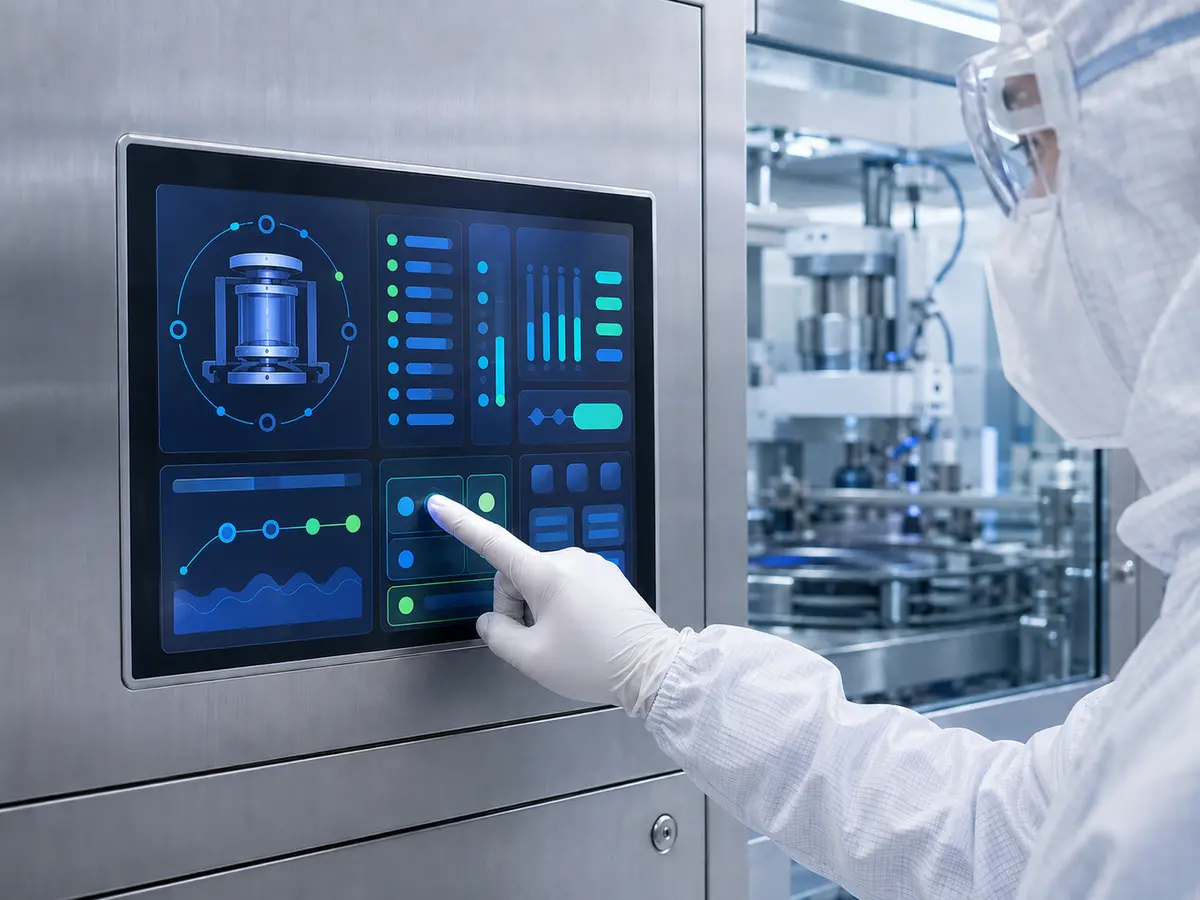
Projected capacitive and resistive touchscreens are the two main technologies considered for industrial HMI projects. Neither technology is automatically correct for every semiconductor machine. Selection depends on the input method, gloves, cover-glass design, required touch points, front-surface structure, electrical environment, software, and replacement plan.
Direct answer: Projected capacitive touch is suitable for machines requiring a continuous glass front, modern appearance, multi-touch capability, and customized cover glass. Resistive touch is suitable when pressure-based input, simple single-touch control, thick-glove operation, or compatibility with an established HMI is more important. The final technology should be tested with the intended operator, gloves, enclosure, grounding, controller, and software.
When Is Projected Capacitive Touch Appropriate?
Projected capacitive touch, commonly called PCAP, detects changes in the sensor’s electrical field. It can be installed behind customized cover glass and can support one or multiple touch points, depending on the controller, firmware, interface, and operating system.
PCAP can provide a durable glass-facing surface without the flexible top film used by many resistive touchscreens. It is therefore useful for equipment requiring a flat front, repeated cleaning, customized printing, transparent windows, or an integrated appearance.
Its performance is sensitive to the complete electrical and mechanical structure. Cover-glass thickness, dielectric materials, LCD noise, grounding, cable routing, charger or power-supply noise, glove characteristics, moisture, and controller tuning can influence touch sensitivity and false-input resistance.
When Is Resistive Touch Appropriate?
A resistive touchscreen responds to physical pressure. It can normally be operated with a bare finger, many glove types, or a stylus without requiring the conductive interaction used by PCAP.
This technology remains relevant for established industrial HMIs, service equipment, controlled single-touch interfaces, and replacement projects. It may also be practical when operators wear gloves that are difficult to support with a capacitive configuration.
Engineers should consider the flexible operating surface, optical transmission, long-term wear, bezel structure, activation force, and available controller support. A resistive touchscreen should not be selected only because a glove will be used; an appropriately developed PCAP system may also support gloved operation.
How Do Cover Glass and Optical Bonding Affect Touch?
Custom cover glass can define the equipment-facing surface. Its specification may include outline, thickness, printed border, viewing window, holes, edge treatment, anti-glare surface, anti-reflective coating, anti-fingerprint treatment, and transparent indicator areas.
PCAP sensitivity should be developed around the actual glass rather than a temporary laboratory sample. Increasing glass thickness or adding another material layer changes the distance between the operator and the sensor.
Optical bonding removes the air gap between the touchscreen and LCD by filling it with a transparent bonding material. It can reduce internal reflection, improve perceived contrast, and prevent particles from entering that optical gap. It does not independently guarantee waterproofing, EMC performance, glove compatibility, or equipment-level reliability.
Which Touchscreen Interface Should Be Used?
Touch controllers may communicate through USB, I²C, serial, or another project-specific interface. USB is convenient for many industrial computers, while embedded systems may use I²C when the host design and software support it.
The manufacturer should confirm connector type, voltage, pin definition, driver availability, operating-system support, device identification, cable length, startup behavior, sleep recovery, and repeated connection. An interface name alone does not confirm software compatibility.
Does Multi-Touch Improve Every HMI?
Multi-touch can support gestures such as zooming or moving an inspection image, but it is unnecessary for many machine-control pages. A deliberate single-point interface may be easier to validate and operate with gloves.
The number of touch points should follow an actual software requirement. It should not be added only because the controller supports it. The technologies used across the complete display stack are compared in What Display Technologies Are Used in Semiconductor Equipment?.
Claim: PCAP and resistive touchscreens solve different integration problems. Technology selection should be based on input method, cover glass, glove operation, software, electrical environment, cleaning, durability, and lifecycle rather than consumer-device expectations.
3. How Should a Semiconductor Equipment Touchscreen Be Integrated?
Touchscreen integration begins before the sensor and cover-glass drawings are released. The equipment manufacturer should define who will use the HMI, what they will wear, which actions they will perform, how the assembly will be mounted, and which electrical conditions will exist around the display.
Direct answer: Engineers should integrate the touchscreen by defining the HMI workflow, touch-target dimensions, operator position, gloves, cover glass, cleaning method, touch interface, host system, grounding, cable routing, enclosure, sealing, optical stack, thermal conditions, and service method. The selected configuration should then be evaluated with the final LCD and machine electronics.
How Should Touch Targets and HMI Layout Be Designed?
Controls should be large enough for the intended finger or glove and spaced to reduce accidental activation. Critical commands should not be placed immediately beside routine controls. Active states, disabled states, warnings, and confirmation results should be visually distinct.
The HMI should be reviewed at the LCD’s native resolution. Operating-system scaling, application scaling, screen rotation, aspect ratio, and language expansion can change the physical size or position of controls.
Display-size considerations are covered in What Display Sizes Are Common in Semiconductor Equipment?.
How Should Glove Operation Be Defined?
“Glove operation” is not a complete specification. The customer should identify the actual glove material, thickness, number of layers, fit, and whether the glove may be dry or exposed to permitted cleaning residue.
PCAP firmware can be tuned for increased sensitivity, but excessive sensitivity may reduce immunity to unintended input. Testing should include deliberate touches, light contact, edge controls, dragging, repeated input, and rejection of conditions that should not produce a command.
Why Are Grounding and Cable Routing Important?
A capacitive touch controller measures small electrical changes. Motors, switching power supplies, LED drivers, inverters, heaters, pumps, communication modules, long cables, and poor grounding can interfere with that measurement.
The touch sensor, controller, LCD, metal enclosure, host computer, and protective earth should follow a reviewed grounding strategy. The touch cable should not be routed casually beside high-current or high-noise wiring. Shielding and controller placement should be evaluated within the equipment rather than assumed from a bench test.
How Should the Mechanical Stack Be Designed?
The stack may include cover glass, touch sensor, adhesive, LCD, gasket, frame, controller, cables, fasteners, and enclosure. The design should identify the viewing area, active display area, touch area, printed border, total thickness, mounting points, cable bends, controller location, and removal path.
Mounting pressure should remain outside sensitive areas and should not deform the LCD or touchscreen. Uneven pressure can contribute to display mura, light leakage, inaccurate edge touch, adhesive stress, or glass damage.
How Do Cleanroom Conditions Affect Integration?
A continuous cover-glass surface can reduce exposed seams on the operator-facing side, but cleanliness depends on the complete enclosure, gasket, materials, assembly process, and maintenance procedure. A touchscreen does not establish a cleanroom classification or ingress rating by itself.
The glass, printing, coatings, adhesives, seals, and cleaning method should be compatible with the customer’s approved process. Strong facility lighting also requires reflection control and appropriate LCD brightness.
These requirements are examined in How Do Cleanroom Conditions Affect Semiconductor Equipment Displays?.
What Information Should Be Defined Before a Sample Is Built?
The project input should include the LCD model, display size, resolution, touch technology, number of touch points, glove type, cover-glass drawing, surface treatment, host interface, operating system, available space, cable direction, temperature range, cleaning method, quantity, project schedule, and service period.
A structured display-selection process is provided in How Do Engineers Select Displays for Semiconductor Machines?.
Claim: Touchscreen integration is successful when software, operator behavior, glove type, cover glass, controller, grounding, cables, mounting, enclosure, cleaning, and service access are defined before tooling and qualification. An isolated sensor specification cannot represent the final HMI.
4. How Should Touchscreen Performance Be Validated and Controlled?
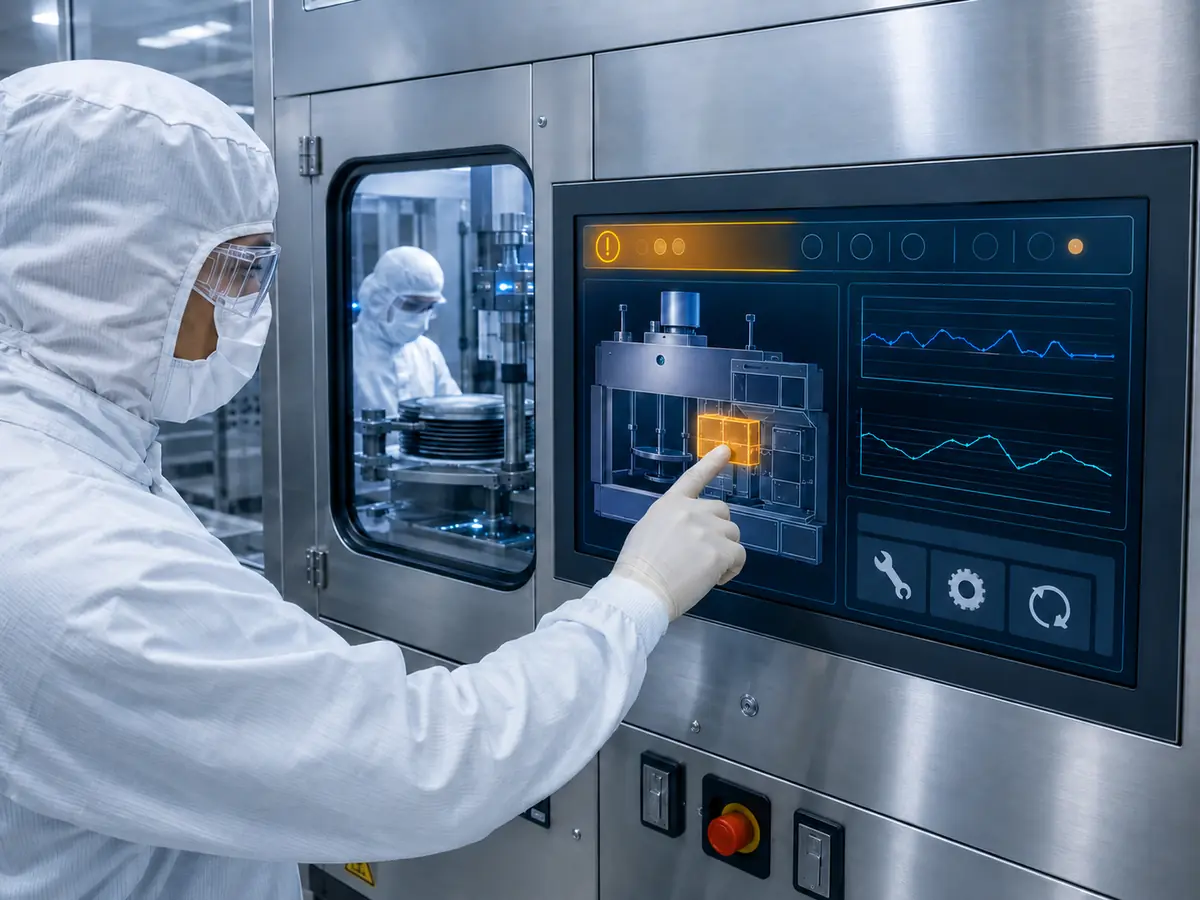
A touchscreen that responds on a supplier’s test bench has completed only an initial functional check. Approval requires testing with the intended host, software, LCD, controller, cables, glass, enclosure, grounding, gloves, cleaning procedure, and equipment operating conditions.
Direct answer: Validation should confirm touch accuracy, repeatability, edge performance, glove operation, gestures, startup, sleep recovery, power cycling, grounding, noise immunity, cleaning response, mechanical fit, temperature behavior, and software mapping. After approval, the touchscreen, controller firmware, glass, cables, bonding, and related components should be controlled as one production configuration.
What Should Be Checked During Functional Testing?
Engineers should test every important HMI page, including navigation, small controls, keyboards, parameter entry, alarms, recipe selection, dragging, scrolling, service pages, and inspection images. Touch coordinates should align with the displayed controls across the center, edges, and corners.
Testing should include cold startup, warm restart, repeated power cycling, connection recovery, sleep and wake, screen rotation, software restart, and temporary host interruption. A touchscreen that needs manual reconnection after a normal power sequence is not ready for approval.
How Should Glove and Cleaning Tests Be Performed?
Use the actual production gloves rather than a general glove description. Repeat the test with different operators and representative glove conditions. Confirm intentional touches, swipes, holds, and edge input without setting the sensitivity so high that unintended contact becomes common.
The front surface should also be evaluated after repeated cleaning with the customer-approved materials and method. Inspect the glass, printing, coating, adhesive edges, seals, and touch response. The test should reflect the expected cleaning frequency and service period.
Why Must EMC and ESD Testing Use the Final Equipment?
The touchscreen should be operated while representative machine subsystems are active. Motors, robots, pumps, lighting, heaters, power supplies, and communication modules may create electrical conditions that do not exist during a standalone test.
Equipment-level ESD and EMC testing should follow the manufacturer’s qualification plan and applicable customer requirements. Test results from an individual touch controller do not demonstrate compliance of the complete machine.
How Should Production Quality Be Controlled?
The approved configuration should identify the touch-sensor revision, controller IC, firmware, cover-glass drawing, printing, surface treatment, adhesive or bonding structure, cable, connector, LCD, display controller, and assembly method.
Incoming inspection can verify part identity, dimensions, glass appearance, printing alignment, connector position, touch communication, coordinate accuracy, edge operation, and packaging condition according to agreed criteria. Project-specific cosmetic limits may be required for the finished glass surface.
How Should Firmware or Component Changes Be Managed?
A change to the touch-controller IC, firmware, sensor pattern, glass thickness, adhesive, cable, LCD, host computer, operating system, or grounding can affect touch performance. Relevant changes should pass through an agreed notification and review process.
If a change affects fit, function, software recognition, glove operation, noise immunity, or environmental performance, renewed testing may be required. A part should not be treated as interchangeable only because its outline and USB connector appear unchanged.
How Should Touchscreen Lifecycle Risk Be Reduced?
Lifecycle planning should include annual demand, project duration, service demand, controller availability, firmware records, tooling ownership, change notification, replacement strategy, last-buy planning, and storage.
Replacement evaluation should compare the complete assembly rather than the touchscreen alone. Long-term planning principles are discussed in Why Is Long-Term Availability Critical in Semiconductor Manufacturing Equipment?.
Claim: Touchscreen approval requires equipment-level evidence, not only a successful bench demonstration. Controlled firmware, sensor, glass, bonding, cable, LCD, software, and grounding records are necessary to preserve validated performance through production and field service.
5. What Advantages Does XIANHENG Offer for Semiconductor Touchscreen Projects?
XIANHENG supports touchscreen and industrial LCD projects for semiconductor processing, wafer handling, inspection, metrology, cleanroom automation, packaging, bonding, and testing equipment. Customers can work with one project contact for the LCD, touchscreen, cover glass, controller, bonding, cables, and assembly.
Direct answer: XIANHENG combines industrial LCD sourcing with PCAP and resistive touchscreen development, customized cover glass, controller and firmware coordination, optical bonding, cable support, sample assembly, equipment integration, production control, and lifecycle planning. This allows the touchscreen to be evaluated as part of a complete display subsystem.
Which Touchscreen Technologies Can XIANHENG Provide?
XIANHENG can support projected capacitive and resistive touchscreen solutions in different sizes and structures. The appropriate option can be selected according to the HMI workflow, gloves, touch points, cover glass, host interface, environmental conditions, and lifecycle requirement.
For PCAP projects, development can include sensor dimensions, touch-controller selection, USB or I²C communication, firmware tuning, glove operation, edge accuracy, and coordination with the selected LCD and cover glass.
How Can XIANHENG Customize the Cover Glass?
Cover-glass customization can include outer dimensions, thickness, printed border, logo, viewing window, transparent indicator window, holes, slots, corner shape, edge processing, surface treatment, FPC position, and assembly structure.
Anti-glare, anti-reflective, or anti-fingerprint options can be evaluated where required. Each treatment involves optical, cleaning, cosmetic, cost, and production considerations that should be reviewed against the real equipment environment.
Can XIANHENG Provide Optical Bonding and Integrated Assemblies?
XIANHENG can provide air-bonded or optically bonded touch-display assemblies according to the optical, mechanical, contamination-control, and service requirements of the project.
Available integration formats can include an LCD with touchscreen, bonded touch-display module, customized cables, controller board, open-frame display, panel-mount monitor, or integrated HMI display assembly.
Industrial LCD models can be reviewed through the Industrial LCD Product Collection.
How Does XIANHENG Support Prototype Development?
Our engineers can review the application, LCD, resolution, touch method, cover-glass drawing, gloves, interface, operating system, enclosure, controller placement, cable direction, grounding, available space, temperature, and cleaning requirements before samples are prepared.
Prototype support can include drawing confirmation, customized touchscreen and glass, bonding, cable preparation, controller coordination, assembly, and initial functional testing. The customer can then validate the sample inside the intended equipment.
How Does XIANHENG Support Production and Lifecycle Management?
After approval, XIANHENG can support bill-of-material control, drawing and firmware records, inspection criteria, packaging, production coordination, change communication, failure analysis, replacement comparison, and demand planning.
The complete project-support process is explained in How Can XIANHENG Support Semiconductor Equipment Manufacturers?.
What Information Should Customers Provide?
For a new touchscreen project, customers should provide the equipment application, LCD size or model, resolution, HMI screenshots, touch technology, required touch points, glove sample or specification, cover-glass drawing, interface, host-board model, operating system, available space, cleaning method, temperature range, expected quantity, schedule, and lifecycle.
For a replacement project, the original LCD and touchscreen models, photographs, cables, controller, firmware information, cover-glass drawing, mounting structure, host system, and description of the current problem are especially useful.
To discuss a PCAP touchscreen, resistive touch panel, cleanroom HMI, optical bonding project, or integrated semiconductor equipment display, please reach out to XIANHENG.
Claim: XIANHENG supports semiconductor touchscreen projects by coordinating industrial LCD selection, PCAP or resistive touch technology, customized cover glass, firmware, optical bonding, controllers, cables, prototype development, equipment validation, production control, replacement evaluation, and lifecycle planning.


