
A mining equipment touchscreen should not be judged by how many buttons it can replace. Its real value is whether an operator can reach the right information, enter an authorized value, inspect an alarm, or select a camera view without losing awareness of the machine and the work area.
This distinction matters because mining tasks combine changing machine modes, whole-body movement, thick gloves, dust or mud, long shifts, electrical noise, and serious consequences for an unclear command. Touch can be an efficient direct-input method, but only when the HMI separates navigation, data entry, continuous machine control, and safety functions.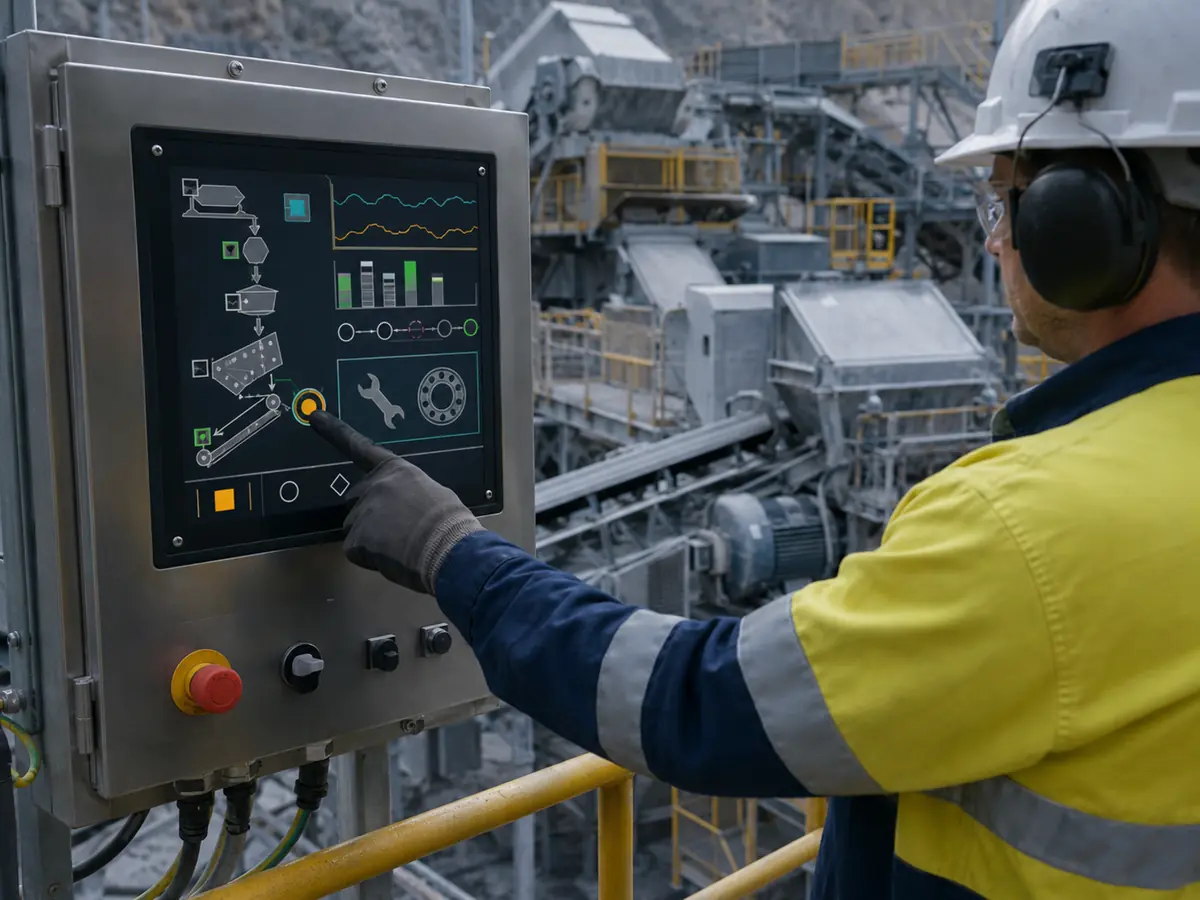
Mining equipment touchscreen design begins with input allocation: which actions belong on glass, which require a joystick or switch, what feedback follows each touch, and what happens when touch is unavailable. The wider display context is defined in Why Does Mining Equipment Need Industrial LCD Displays?.
Quick Answer: Touchscreens improve mining equipment operation when they give users direct, task-focused access to machine pages, drilling parameters, payload data, camera views, alarms, diagnostics, procedures, and permitted settings. The improvement comes from fewer navigation steps and clearer context, not from moving every command onto the display. Reliable operation requires mode-aware pages, adequately sized targets, unambiguous input feedback, controlled parameter entry, glove and contamination testing, stable touch communication, and defined fallback behavior. Emergency stops and other safety or eyes-free functions should remain in the appropriate engineered control layer.
Claim: A mining touchscreen improves work only when each touch action has a clear purpose, permitted machine state, visible result, and safe failure response.
1. Which Mining Actions Belong on a Touchscreen?
Direct answer: Page navigation, equipment selection, camera choice, alarm inspection, trend cursors, checklist steps, diagnostic views, and controlled parameter entry can fit touch well. Continuous steering, repetitive motion control, emergency action, and safety-related functions may require dedicated hardware. The machine risk assessment and operating workflow should determine the boundary.
Why Does Direct Page Selection Help Mining Operators?
A user can select a machine area, subsystem, map location, camera, or alarm object directly instead of stepping through a deep menu with repeated key presses. This can shorten the path between noticing a condition and opening the information needed to understand it.
The advantage disappears when every screen uses different navigation or hides the route back to the primary operating page. Page names, selection states, back behavior, home access, and permissions should remain consistent across machine modes.
When Does Touch Support Drilling Parameter Work?
Drill operators may need to view or enter hole identifiers, target depth, angle, pressure limits, feed settings, consumable information, or job selections. Touch can connect the displayed value with the entry control, reducing the mental step of matching a separate keypad to a field on the screen.
Entry should remain bounded by engineering limits and operator authority. Units, allowed range, current value, proposed value, machine mode, confirmation, and controller response should be visible before the HMI presents the change as complete.
How Can Touch Improve Alarm Investigation?
Selecting an alarm can open its equipment page, related measurements, recent trend, permissive chain, or service note. This direct path is more useful than acknowledging the message and leaving the operator to search through unrelated pages.
The interface must distinguish alarm selection, acknowledgment, reset request, and correction of the underlying condition. A touch response should never imply that the process fault has cleared unless the control system confirms the resulting state.
How Can Camera and Map Selection Use Touch?
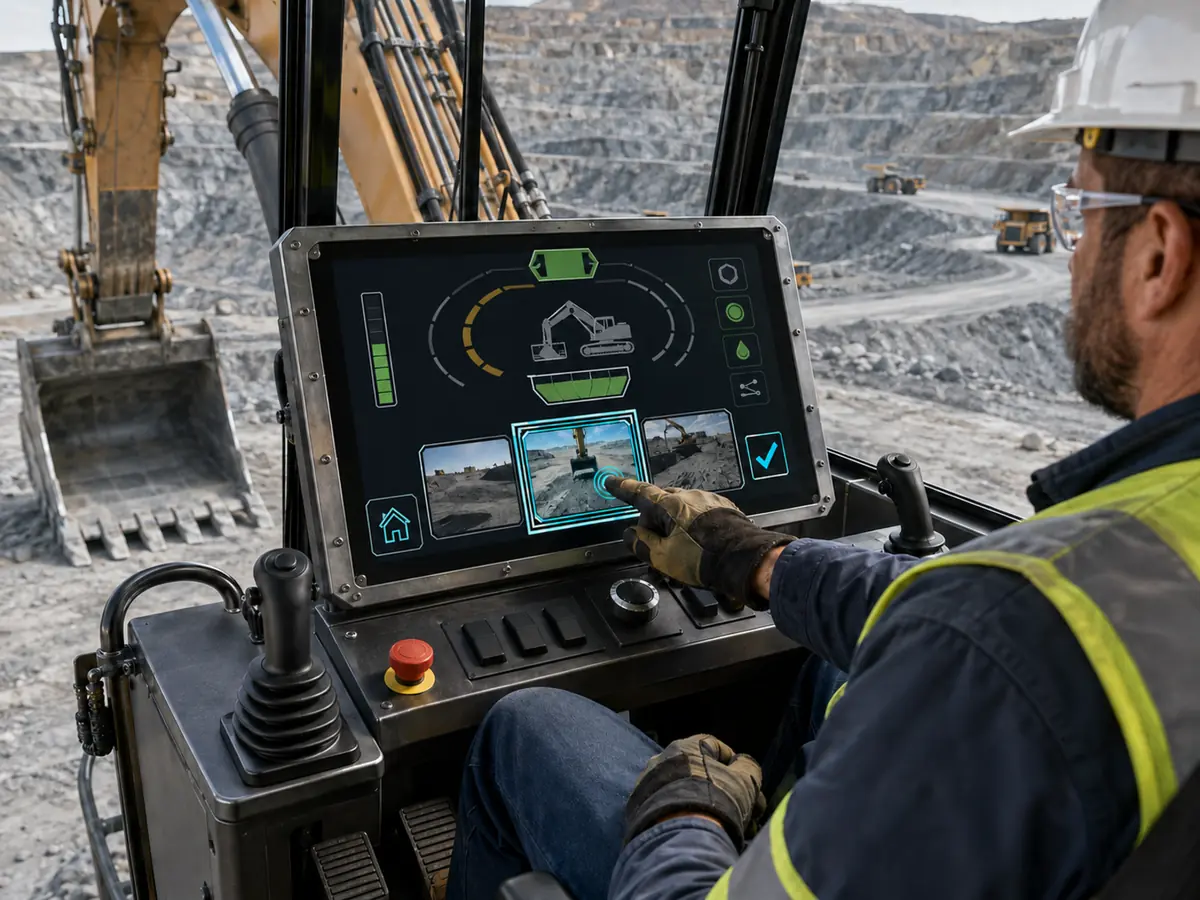
Large visual objects can support direct selection of a camera, machine, bench area, route, or drill-hole location. This can be practical in haulage, drilling, remote supervision, and equipment-around-machine views where the user is already interpreting spatial information.
Touch must not cover important image content or make the operator guess which object is active. Selected camera identity, machine identity, image age, communication state, zoom level, and any control authority should remain visible.
How Can Maintenance Tasks Benefit from Touch?
Technicians can move between I/O status, sensor values, event history, calibration pages, maintenance intervals, parts information, and controlled procedures at the machine. Touch can also support checklist confirmation and entry of measured values when the software records who performed the work.
Service pages need stronger access control than ordinary viewing pages. The HMI should identify live, simulated, forced, stale, invalid, and disconnected data so that a clear graphical screen does not make uncertain information look authoritative.
Which Actions Should Not Depend Only on Touch?
Emergency stops, safety functions, frequent motion commands, and controls that must be located or operated without visual attention may need physical devices. Continuous steering, boom movement, tramming, hoisting, or speed control may also be better assigned to a joystick, lever, pedal, dial, or dedicated switch.
A touchscreen may display state and instructions associated with these controls, but the graphical object is not automatically equivalent to the separately engineered device. The design must define what remains possible when the LCD, touch controller, software, or communication path fails.
Claim: Touch belongs where direct visual selection reduces task steps; it should not absorb functions whose safe use depends on tactile location, continuous input, or independence from the display.
2. How Should a Touch HMI Behave During Real Machine Work?
A touch interface that performs well on a desk can become difficult inside a moving cab or beside active processing equipment. The user’s arm, glove, posture, attention, and ability to confirm a result are part of the input system.
Direct answer: A mining touch HMI should use reachable targets, stable page layouts, restrained gestures, immediate detection feedback, separate command-acceptance feedback, mode-aware controls, and visible recovery states. It should remain understandable when the user wears production gloves, the machine moves, the surface is contaminated, or communication becomes slow.
How Should Target Size Be Determined?
Target size should come from the actual glove, screen size, viewing distance, machine movement, operator posture, and consequence of selecting the adjacent object. A dimension borrowed from a desktop application may not work when the operator’s hand moves relative to the screen.
Frequently used controls need sufficient separation and a predictable location. Edge targets should be tested with the intended bezel and cover-glass construction because mounting geometry and PCAP tuning can change behavior near the active-area boundary.
Should the Same Page Be Used While Stationary and Moving?
Not always. Detailed setup, text entry, calibration, and service procedures may be appropriate only when the machine is stopped or in a defined maintenance state. During movement, the HMI may need to reduce available actions and keep only high-priority information and permitted selections visible.
The transition must be understandable. Controls should not disappear without explaining why, and stored values should not be lost when the machine changes mode. The operator should see whether a function is unavailable because of state, permission, communication, or a fault.
What Feedback Should Follow a Touch?
The first feedback indicates that the touch was detected. The next feedback indicates whether the application accepted the request. The final feedback comes from the machine or control system and confirms the resulting state. These are separate events and may occur at different times.
Color, shape, text, sound, or animation may be used as appropriate, but feedback should not rely on one cue alone for an important command. A delayed response must not encourage repeated input that creates several queued requests.
What Should Happen Between a Tap and a Machine Response?
- The HMI identifies the active machine, subsystem, user authority, and operating mode.
- The touch controller reports a valid coordinate rather than noise or an unsupported contact.
- The application shows that the intended object was selected.
- Software checks permissions, limits, interlocks, and required confirmation.
- The command is sent through the defined control path.
- The machine controller accepts or rejects the request.
- The HMI displays the confirmed equipment state or a clear reason for rejection.
This sequence is especially important for remote or automated equipment, where network delay can separate user input from machine response. The screen should not show a requested condition as though it were already achieved.
When Should Gestures Be Restricted?
Multi-touch can support maps, images, and trend inspection, but hidden or complex gestures are difficult to discover and may behave poorly with gloves, water, or vehicle movement. A critical function should not depend on remembering a gesture that has no visible control.
Dragging may be unsuitable for precise setpoint entry if vibration can move the contact. Pinch, swipe, long press, and hold actions should be assigned only when they provide clear value and have been tested with the actual operator method.
How Should Glove and Stylus Use Be Defined?
“Glove compatible” is not a complete requirement. The project should identify the glove materials, thicknesses, temperatures, contamination, moisture, fit, wear, and tasks that must pass. Maintenance gloves may differ greatly from the gloves used inside a cab.
If a stylus is permitted, its storage, tethering, tip material, replacement, calibration, and use with the cover glass need definition. A stylus can support deliberate compact input, but it should not become an undocumented workaround for targets that are too small.
How Should Day and Night Interaction Differ?
Day and night modes should control more than the backlight. Target contrast, alarm visibility, map colors, selected states, camera overlays, and confirmation dialogs must remain distinguishable across the brightness range. Sudden page changes should not produce a bright field that disrupts low-light vision.
The dimming control must remain accessible without obscuring the operating page. Automatic control can assist, but its sensor location, response time, minimum setting, manual override, and failure behavior should be checked in the installed cab or console.
Claim: Mining touch performance depends on the complete interaction loop from physical contact to confirmed machine state, not merely on coordinate detection.
3. How Should Touch and Physical Controls Share the Operator Station?
Modern mining equipment often combines a touchscreen with joysticks, rotary controls, keys, switches, pedals, and safety devices. This mixed arrangement is not a compromise; it allows each input method to handle the work it performs best.
Direct answer: Touch should handle visible selection, information access, and bounded entry. Physical controls should handle tactile, continuous, repetitive, safety-related, or eyes-free actions. Software must connect both paths to consistent machine-state feedback and prevent two controls from creating contradictory requests.
When Is PCAP a Suitable Touch Method?
Projected capacitive touch can support a flat glass front, light activation, clear images, and multi-touch. It can fit cab HMIs, remote panels, and consoles where the intended gloves and contamination conditions can be supported through the sensor, controller, glass, grounding, and firmware combination.
PCAP sensitivity cannot be considered alone. Tuning for a thick glove may affect water or noise behavior, while cover-glass thickness and nearby metal can change edge response. The production mechanical stack must be used for tuning and approval.
When Is Resistive Touch a Better Task Match?
Resistive touch responds to pressure and can accept many glove types or a suitable stylus without depending on capacitive coupling. It can suit deliberate single-point entry, compact service interfaces, or equipment whose established workflow already uses resistive input.
The project must consider activation force, flexible-surface wear, optical transmission, cleaning, sealing, and expected operating cycles. A general comparison is available in When Should You Choose PCAP Over Resistive Touch for Industrial Displays?.
Why Do Joysticks and Rotary Controls Remain Useful?
A joystick supports directional or proportional control while the operator watches the work area rather than the screen. A rotary control can provide repeated incremental adjustment and tactile detents. Physical keys can offer consistent access to a small group of high-frequency functions.
The display should show what these controls currently affect. If one joystick changes purpose between machine modes, the active assignment and mode transition must be obvious before movement is possible.
Should Important Touch Functions Have Another Input Path?
An alternate path may be appropriate for returning home, changing brightness, acknowledging a non-safety alarm, or navigating when touch is intentionally disabled. The decision depends on how long the machine may continue operating without touch and which information remains necessary.
Redundancy should be deliberate. Two different controls that appear to do the same thing can create confusion if they use different permissions, timing, or feedback. The operating manual and HMI should describe the preferred and fallback paths consistently.
How Do USB and I²C Affect the Input Architecture?
USB touch can fit an industrial computer when the controller presents a supported Human Interface Device profile. I²C can fit an embedded host but requires coordinated voltage, address, interrupt, reset, pull-ups, startup order, driver, and recovery behavior.
The touch path is separate from the LCD video path. Coordinate orientation, scaling, device identity, enumeration, sleep, wake, reconnection, and failure reporting must remain correct after host or display changes.
| Operator Action | Likely Primary Input | Required Feedback | Failure Provision |
|---|---|---|---|
| Select machine page, camera, map, or alarm | Touchscreen | Visible selected object and current identity | Home or navigation fallback if required |
| Enter a bounded setup value | Touch keypad or approved physical encoder | Current value, proposed value, units, limits, acceptance | Reject invalid or repeated input |
| Control continuous motion | Joystick, lever, pedal, or dedicated control | Active mode, direction, command, and machine response | Defined neutral and loss-of-input state |
| Perform emergency or safety action | Approved safety device | Equipment-level safety-state indication | Independent of ordinary display operation |
| Review diagnostics or follow a service procedure | Touchscreen with controlled access | Data validity, machine state, step status, recorded result | Exit, timeout, and permission recovery |
Claim: A dependable mining operator station assigns each action to the input method that best matches visual attention, movement, frequency, consequence, and failure behavior.
4. Which Fault-Injection Tests Prove Trustworthy Touch Operation?
A successful tap on a clean sample proves very little. Mining touchscreen approval should intentionally introduce the conditions most likely to produce a missed touch, false touch, wrong coordinate, repeated command, disconnected controller, or uncertain machine response.
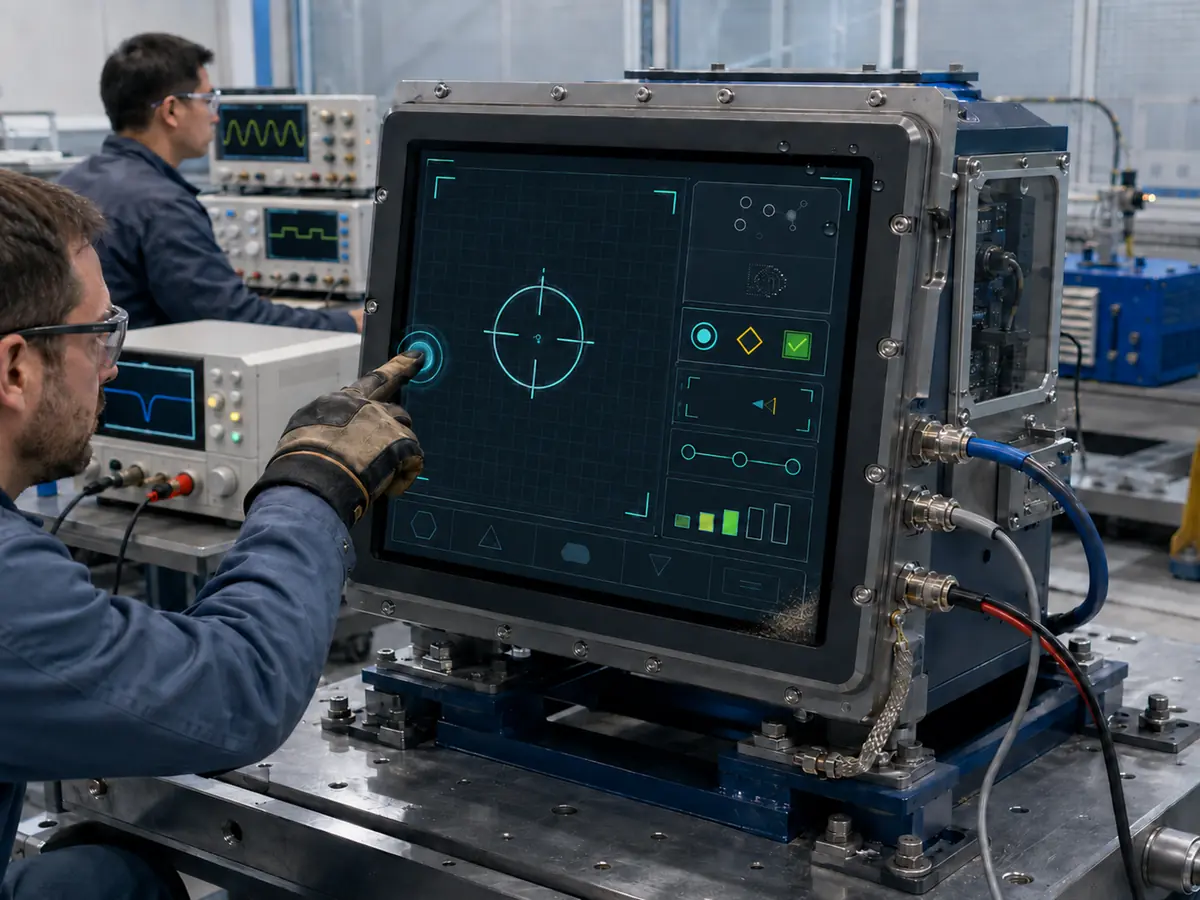
Direct answer: Test production gloves, motion, edge targets, multiple touch patterns, water or conductive residue, dry mineral dust, electrical noise, power cycling, controller reset, host restart, communication loss, orientation, scaling, and application recovery. Record both the touch event and the confirmed machine or software result.
How Should Missed Touches Be Tested?
Use the intended users, gloves, temperatures, postures, target locations, tap durations, and machine states. Include repeated entry, edge controls, long presses, permitted swipes, and any stylus. A pass criterion should cover task completion rather than a few successful contacts at the center of the screen.
How Should False Touches Be Tested?
Expose the production stack to credible non-user inputs such as resting palms, sleeves, cable movement, droplets, wet films, conductive mud, cleaning contact, and electrical activity. Confirm whether the system rejects input, disables touch, displays a warning, or recovers without an unintended command.
Why Must Motion Be Included in User Testing?
Machine vibration and vehicle movement affect the operator’s hand relative to the target even when the touch electronics remain stable. A tap can become a drag, a long press can break, and adjacent selection becomes more likely. Testing should reproduce the credible working posture and motion permitted by the machine test plan.
How Should Electrical Noise Be Applied?
Touch behavior should be observed with representative motors, drives, radios, chargers, switching loads, power cables, grounding, and enclosure bonding active. Symptoms can include unstable coordinates, delayed response, missed contact, false touch, or controller reconnection.
Passing the test may require changes to sensor construction, firmware, shield termination, cable routing, filtering, controller placement, or ground strategy. Raising sensitivity alone can increase another failure mode.
What Must Recover After Power or Communication Loss?
Test cold start, repeated cycling, supply dips, host restart, touch-controller reset, USB or I²C interruption, sleep, wake, and application relaunch. Confirm device identity, enumeration, coordinates, orientation, permissions, active machine, and feedback behavior after every event.
If the machine can continue while touch is unavailable, the HMI must show that condition and preserve the required alternate controls. If operation must stop or become restricted, that response belongs in the approved machine logic.
How Can Correct Coordinates Still Produce the Wrong Action?
A resolution change, operating-system scaling, screen rotation, extended-desktop setting, driver update, or replacement controller can move touch coordinates away from the displayed object. Calibration should be checked across the full active area and after every credible startup and configuration change.
Software should also resist rapid repeated input and page changes that leave an old touch active on a newly displayed control. Event timing, debounce, modal dialogs, and command queues deserve review alongside physical accuracy.
What Should Remain Under Configuration Control?
Control the LCD, touch sensor, controller, firmware, cover glass, bonding, bezel, bracket, grounding, cable, connector, USB or I²C identity, driver, operating system, HMI version, resolution, rotation, scaling, target layout, calibration, test glove, and approved fallback behavior.
For underground or other regulated installations, any change should also be reviewed against the applicable equipment approval. A touchscreen assembly does not independently establish explosion protection, intrinsic safety, mine approval, or functional safety.
Claim: Trustworthy touch operation is demonstrated by controlled failure injection and recovery evidence, not by a clean-screen demonstration.
5. What Advantages Does XIANHENG Offer for Mining Touchscreen Projects?
Direct answer: XIANHENG can help customers convert a mining interaction requirement into a coordinated industrial LCD, PCAP or resistive touch sensor, controller, firmware, cover glass, bonding, interface, cable, drawing, and sample configuration. Support can include new equipment, remote operator stations, plant HMIs, service tools, and controlled replacement projects. Final input allocation, safety functions, machine software, enclosure protection, regulatory conformity, and equipment approval remain with the responsible manufacturer and approval parties.
How Can XIANHENG Review the Touch Task?
Customers can provide HMI screenshots, intended actions, machine modes, gloves, target sizes, gestures, viewing positions, physical controls, contamination, glass requirements, host details, and expected fallback behavior. XIANHENG can use these inputs to compare supported touch and display configurations.
Can XIANHENG Coordinate Touch Hardware and Firmware?
For supported PCAP projects, the touch sensor, controller, firmware, glass thickness, edge behavior, gloves, water response, nearby metal, grounding, noise conditions, and USB or I²C connection can be reviewed together. Resistive assemblies can be reviewed for activation method, optical area, tail position, controller, and service expectations.
Can Cover Glass Follow the Operator Station?
Customized cover glass can define the outline, thickness, viewing window, printed border, touch area, holes, slots, transparent indicators, edge finish, color, logo, coating, and adhesive region. The drawing can align the LCD, sensor, enclosure opening, gasket, and physical controls.
Air, tape, or optical bonding can be considered according to visibility, parallax, contamination, temperature, production, and repair needs. The assembled stack must still be tested with production firmware, grounding, gloves, enclosure, and HMI software.
Can XIANHENG Support Host Connections and Cables?
XIANHENG can coordinate supported USB or I²C touch connections and customized cables around the controller, connector, voltage, pinout, length, shielding, ground, direction, strain relief, and mechanical route. Display-controller solutions can also be reviewed when the host requires HDMI, DisplayPort, DVI, or VGA input.
How Can Samples Support Interaction Testing?
Prototype scope can include the LCD, touch sensor, cover glass, bonding, controller, firmware, cables, and initial image and coordinate inspection. Configuration records can identify the exact parts, drawings, and firmware delivered for customer testing.
The customer should test the sample with production HMI software, machine modes, physical controls, host, enclosure, power, grounding, gloves, motion, contamination, electrical noise, restart, communication loss, and fallback procedures. XIANHENG can review display-side findings and coordinate supported revisions.
How Can XIANHENG Support Touchscreen Replacement?
For an existing machine, customers can provide the original LCD, touch sensor, controller, firmware, glass, cable, drawings, datasheets, connector photographs, host output, operating system, software resolution, current symptoms, annual demand, and a working sample where available.
XIANHENG can identify changes in active area, outline, interface, device identity, firmware, glass, bonding, coordinate behavior, cable, and lifecycle. Customers can review panel starting points in the Industrial LCD Product Collection.
To discuss a haul-truck touchscreen, drill-rig touch HMI, crusher or conveyor operator panel, underground-machine interface, remote mining console, customized touch assembly, or obsolete-screen replacement, please reach out to XIANHENG.
Claim: XIANHENG supports mining touchscreen projects by coordinating the display-side hardware, firmware, glass, interfaces, cables, samples, and replacements around the customer’s defined touch workflow.


