
LM240WU8-SLE1 sourcing requires agreement on how the equipment's existing software will occupy a 16:10 image area. A nominal 24-inch diagonal cannot establish whether an alarm banner remains visible, a process diagram keeps its proportions, or the image aligns with the enclosure opening. OEM purchasing should approve the rendered layout and physical viewing window together.
Claim: LM240WU8-SLE1 approval depends on the visible application layout, rather than a matching diagonal size alone.

Which Image Format Must the OEM Preserve?
Can the Existing Host Deliver the Required WUXGA Image?
The available LG Display Ver.0.1 specification, dated 28 April 2016, is preliminary. It identifies a 1920 × 1200 matrix and typical 60 Hz vertical frequency. Obtain the applicable specification for the offered production version before approving the design.
Record the host's actual output mode separately from the controller's panel timing. The reference uses two-port, 8-bit LVDS through 30-pin CN1, nominal 10 V panel power, and a separate six-pin backlight connection requiring an external LED driver. Confirm mapping, pin assignments, power sequencing, and driver configuration against the applicable document. An HDMI host requires suitable conversion unless already provided elsewhere in the equipment.
A board advertised for FHD may not generate the required WUXGA timing. Request its configured output record and verify the installed host can select the intended input mode.
Claim: Native WUXGA operation requires a verified host-to-panel configuration, including the controller's actual output timing.
What Happens to Software Built for Another Format?
The additional 120 pixel rows compared with 1920 × 1080 do not automatically create usable application space. A fixed-size HMI may retain its original canvas even when the host outputs 1920 × 1200. Establish whether the application resizes, remains centered, stretches, or is cropped.
Illustrative mapping: the following outcomes assume a fixed 1920 × 1080 source image on the native matrix; actual behavior depends on the software and controller settings.
| Mapping policy | Purchasing consequence |
|---|---|
| Centered, one source pixel per panel pixel | Preserves geometry; leaves 60 unused rows above and below. |
| Independent vertical stretch to fill | Uses the full height but changes shapes and vertical proportions. |
| Proportional enlargement to fill | Preserves shapes but crops horizontal content. |
Agree the acceptable policy with the OEM software team. Include alarm pages, dialogs, and the on-screen keyboard; approval of the main screen alone can miss hidden controls.
Claim: The purchase specification must state how retained software occupies the panel, including permitted borders or cropping.
How Should the Rendered Image Match the Equipment Opening?

Which Dimensions Define the Visible Equipment Window?
The reference distinguishes a 518.4 × 324.0 mm active area, a 522.4 × 328.0 mm bezel area, and a 546.4 × 352.0 mm module outline. These serve different purposes; none alone defines the finished cover-glass opening.
Overlay the rendered image, LCD drawing, printed border, and enclosure aperture using common datums and actual tolerances. Check whether edge information is obscured or unused bands become visible. For the illustrative centered mapping above, 60 rows at the reference 0.270 mm pixel pitch occupy 16.2 mm above and below the image. Masking those bands changes the usable viewing window and requires explicit approval.
Claim: Window acceptance must consider where application pixels appear within the physical active area.
What Evidence Should Release the Layout for Purchasing?
Request a sample with the intended host, controller firmware, cover, and production software. Record the application version, operating-system scaling, input resolution, panel timing, and mapping settings.
Display an edge-marked grid and circles to check clipping and distortion, then exercise real operating and alarm pages after a cold start. For a proposed PCAP assembly, check that touches select the displayed targets across the intended usable area. Video scaling and touch-coordinate mapping need separate verification.
Retain photographs, mode records, the approved window drawing, and acceptance results. Identify these records in the purchase order so a later firmware or software change triggers review.
Claim: Layout approval becomes repeatable when the sample's software, mapping, and viewing-window configuration are recorded together.
What Advantages Does XIANHENG Offer for LM240WU8-SLE1 Layout Approval?
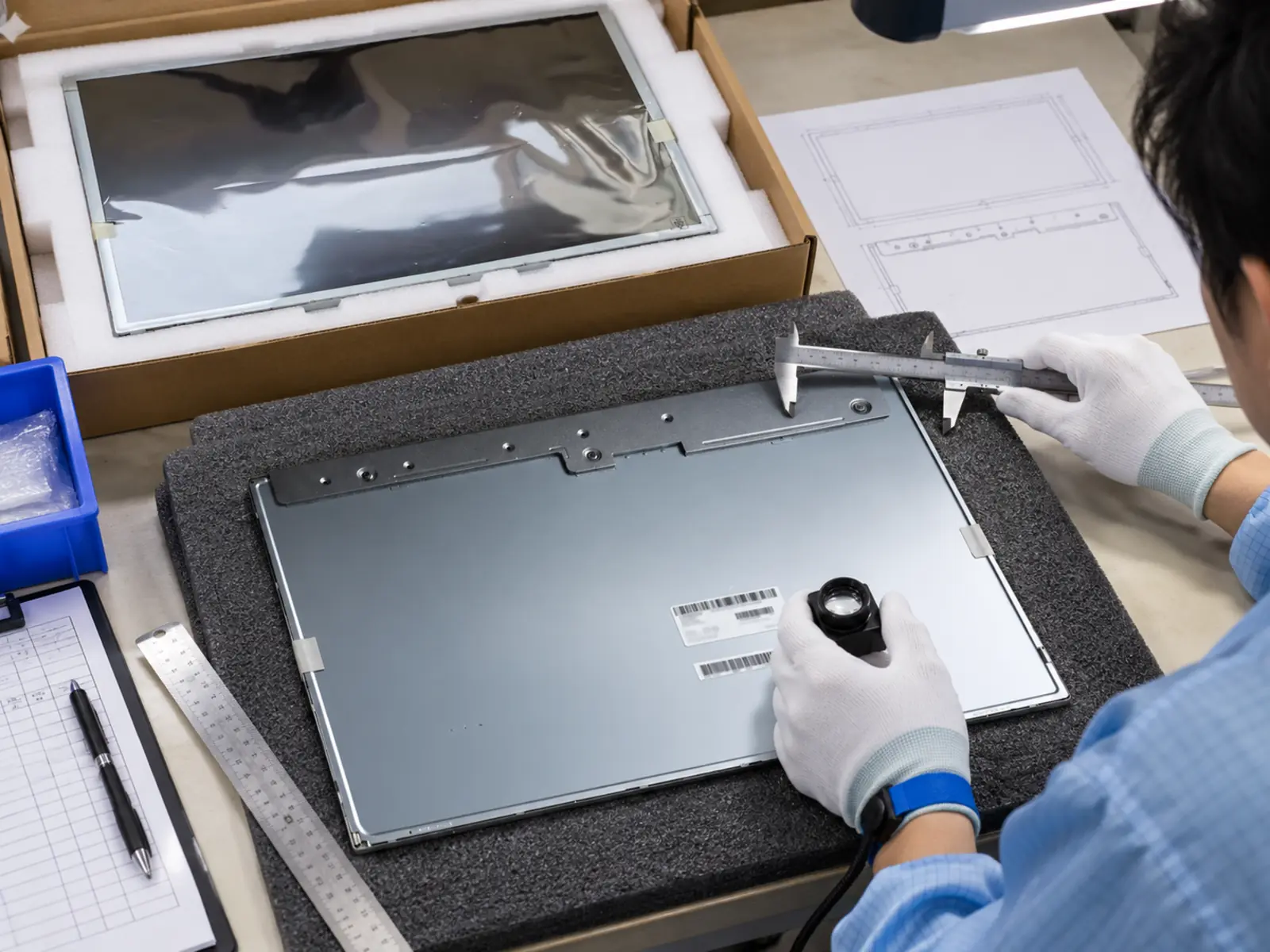
XIANHENG can review the LG Display LM240WU8-SLE1 24.0 Inch WUXGA IPS LCD Panel against host details, application screenshots, and aperture drawings, then propose controller, firmware, and cable requirements for sample evaluation.
The standard LCD has no touch sensor. Custom PCAP and printed cover glass can be assessed around the approved viewing window. Standard reference luminance is 300 cd/m²; selected models may be evaluated for 500–1000 cd/m² customization or special higher targets. LM240WU8-SLE1 feasibility requires XIANHENG confirmation, including driver, thermal, and optical-stack checks and an agreed brightness measurement surface. Such changes do not establish wide-temperature suitability or equipment certification.
Provide target brightness, installation conditions, touch requirements, and quantities. Browse the Industrial LCD Product Collection or reach out to XIANHENG to define the proposed assembly for OEM validation.
Claim: XIANHENG can help specify a display assembly around an agreed OEM layout and project requirements.


