
An unheated machine may sit overnight with its control cabinet below freezing. When power returns, the operator may need to read the alarm screen before the cabinet warms up. Three BOE 19-inch SXGA LCDs preserve the 1280 × 1024 pixel grid used in many 5:4 HMIs. Their operating limits and backlight wiring determine which modules belong on the sample list.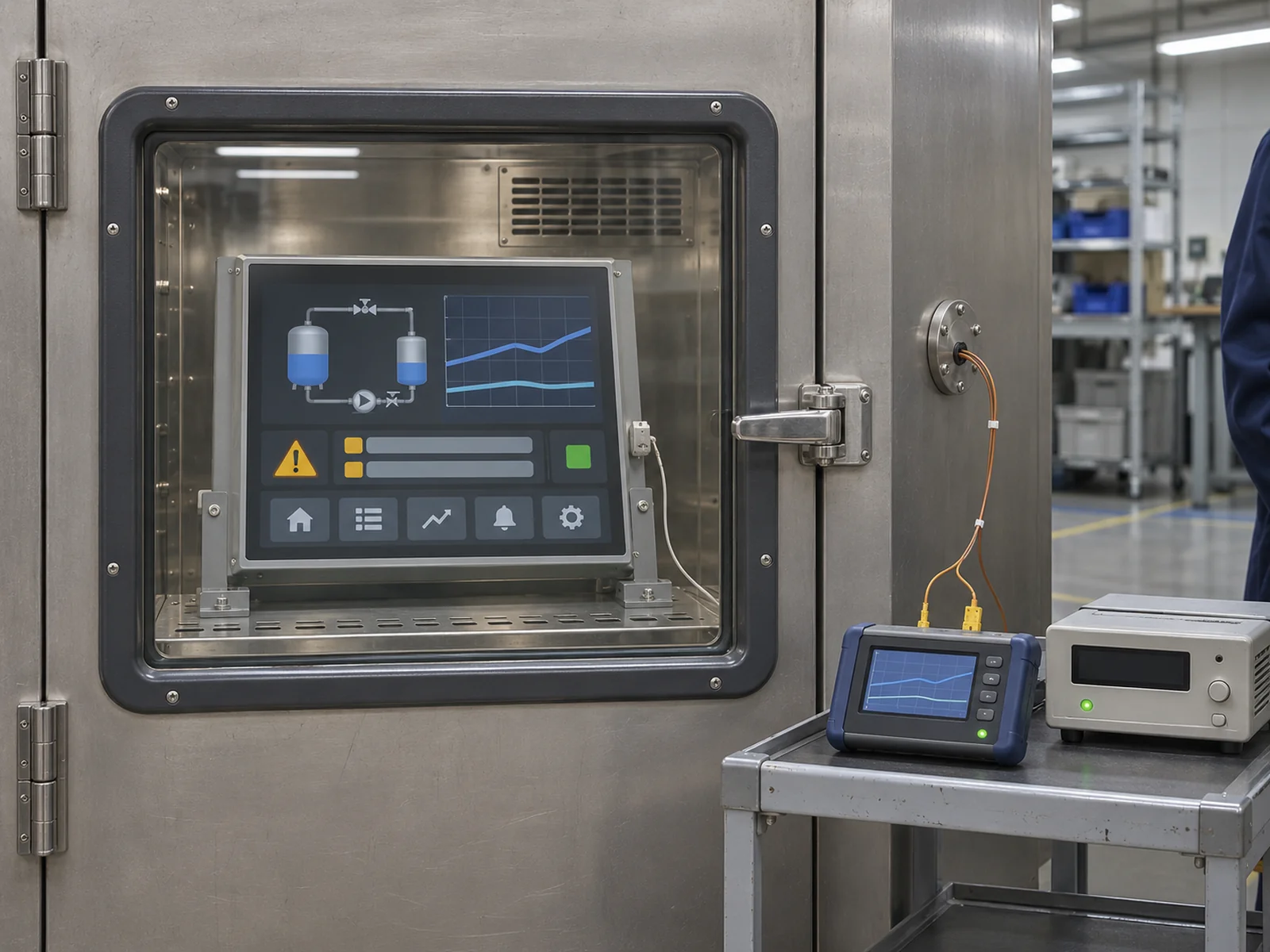
Claim: Put the minimum LCD temperature at power-on and the time to a readable alarm screen on the same purchase specification.
Which BOE 19-Inch SXGA LCD Fits Your HMI?
Which Models Belong on the Sample List?
All three BOE modules use a 30-pin LVDS signal interface. The table uses XIANHENG product listings for the EV models and BOE specification Rev. A for the ZV model. Match the quoted suffix and revision to the applicable BOE specification before approving a sample.
| BOE LCD | Operating range | Storage range | Typical panel luminance | When to sample it |
|---|---|---|---|---|
| EV190E0M-N10 | 0°C to +50°C | −20°C to +60°C | 250 cd/m² | Start here for service on a controlled-temperature HMI already released with N10. |
| EV190E0M-N11 | 0°C to +50°C | −20°C to +60°C | 250 cd/m² | Sample for a controlled-temperature build with an external driver that supports the listed 24S2P backlight. |
| ZV190E0M-N10 | −20°C to +70°C | −20°C to +75°C | 450 cd/m² | Start here when the panel must power up below 0°C within its rated range. Check the integrated LED driver and connector clearance. |
Claim: The two EV suffixes have the same listed temperature limits and luminance. Their LED loads need separate checks.
When Can Cabinet Preheating Make an EV Panel Viable?
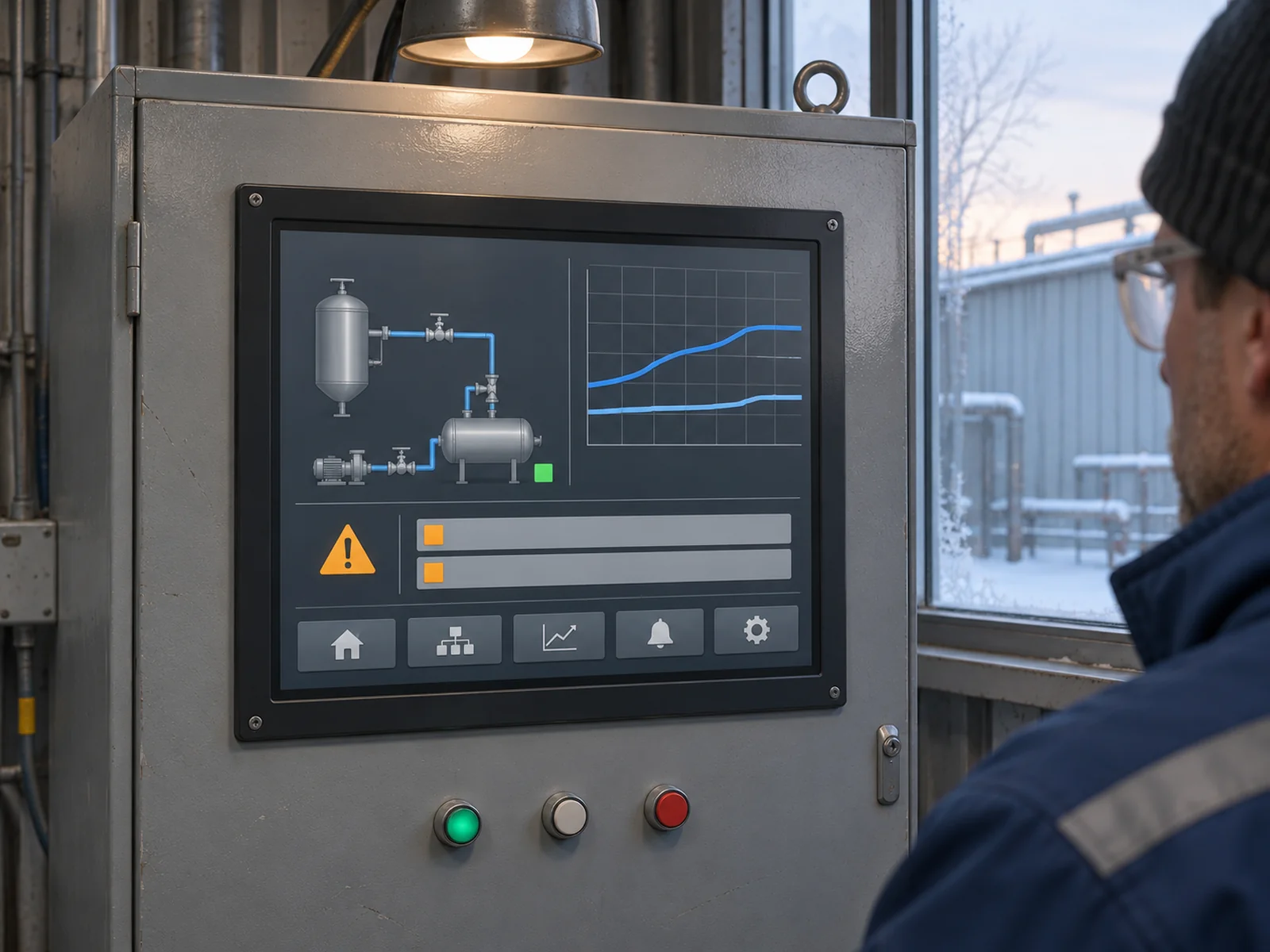
In an illustrative retrofit, the LCD reaches −15°C after an overnight outage. If operators need the alarm screen promptly after power returns, sample the ZV190E0M-N10 first. The EV modules' −20°C storage limit applies with power off. If the LCD itself must power up below −20°C, look for a module rated for that lower temperature.
If the machine can wait for preheating, an EV panel remains a candidate. Verify that the display stays off until the LCD and its electronics reach their respective operating ranges. Locate the heater's control sensor using measurements at the module and driver. Check the warm-up time after an outage and confirm that startup stays inhibited if the heater fails.
Claim: Include preheat time in the time operators must wait for the first readable screen after power returns.
How Should OEMs Qualify the Cold-Start Assembly?
Can the Existing Driver and Harness Be Reused?
XIANHENG lists 15S2P for EV190E0M-N10 and 24S2P for EV190E0M-N11. These are different numbers of LEDs in series per string. For either external driver, verify regulated current per string, the forward-voltage range at the required temperatures, and the LED connector pinout against the offered specification.
For the ZV module, BOE Rev. A shows a nominal 5 V logic feed and a separate nominal 12 V input to the onboard LED driver. Check backlight enable, PWM dimming, LVDS mapping and the power sequence. The outline drawing shows a nominal depth of 9.9 mm at the shield cover and 12.55 mm at the backlight connector. Allow for the mated plug and cable bend behind the bezel.
Claim: Approve an existing harness only after matching both connectors and checking clearance with the cables installed.
What Must the HMI Show After a Cold Start?
Use the production controller, firmware, harness, power supply and front stack. Let the unpowered assembly stabilize at the specified minimum test temperature within component limits. Record temperature at the module and driver, and stay within the specified humidity limits under noncondensing conditions. Time the interval from machine power-on to a readable alarm page and compare it with the agreed limit.
Use a changing status indicator to check that the screen updates. Compare the cold image with a room-temperature baseline for ghosting, contrast and backlight flicker. Measure luminance through the installed cover at the agreed time after startup. Check edge touches if a touchscreen is fitted. Re-soak before each cold-start trial and test recovery from the expected power interruptions. BOE Rev. A specifies 25 ± 2°C for its optical measurements. Set cold acceptance limits for the finished HMI.
Claim: Record the cold-start result against the exact panel revision, driver and firmware specified for production.
What Advantages Does XIANHENG Offer for Cold-Start HMIs?
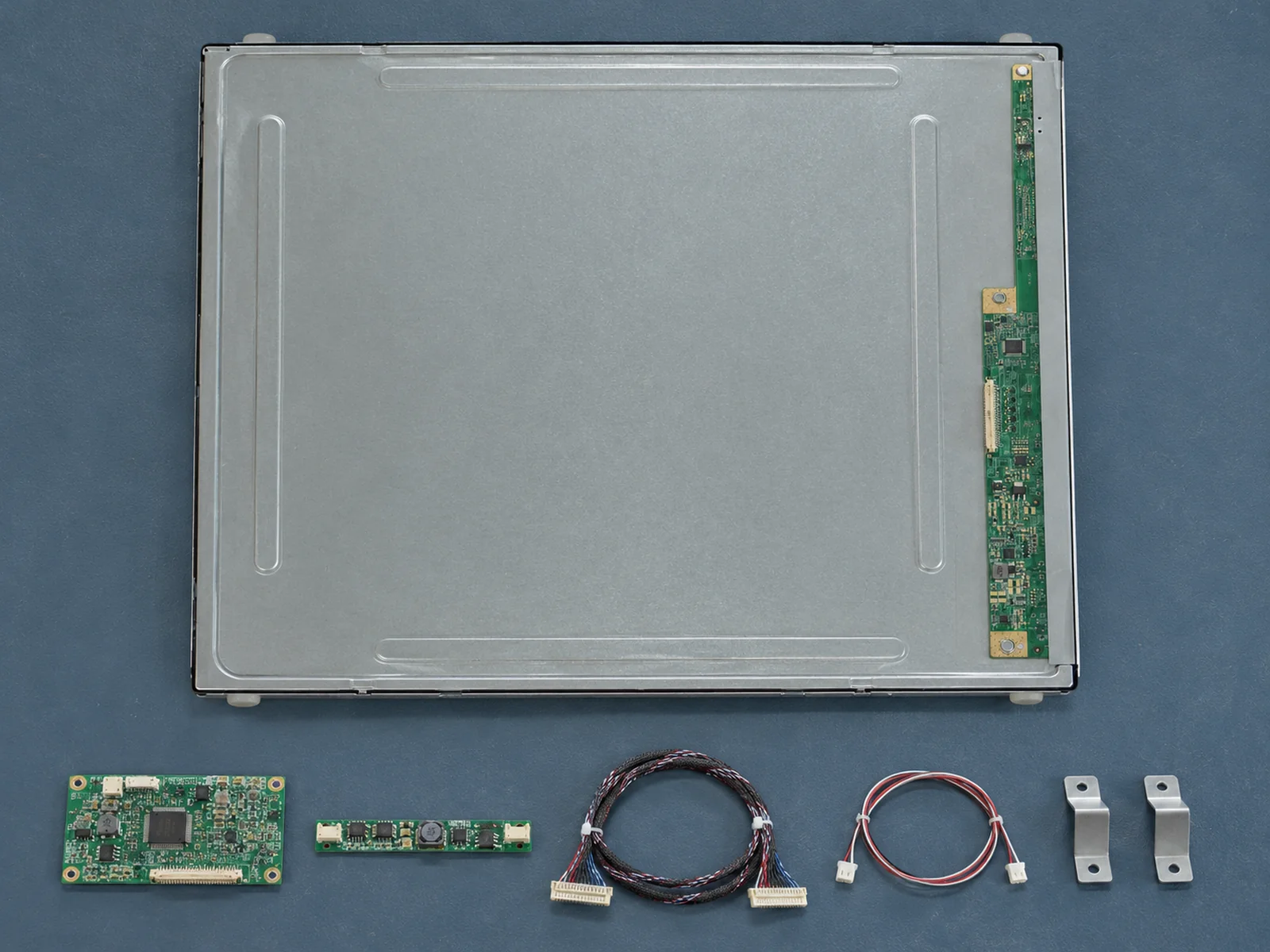
XIANHENG can review the installed panel label, rear clearance and controller interface and quote the bare LCD or an evaluation kit with a matched controller, firmware and harness. Specify custom PCAP touch, cover glass and optical bonding as separate items. For eligible panels, 500–1000 cd/m² is a common custom brightness target. Confirm feasibility, including any higher target, with the proposed front stack and operating conditions.
Send the minimum startup temperature, allowed time to a readable screen, cabinet drawing, host interface, finished brightness target and sample and production quantities when you reach out to XIANHENG. For more panel formats, browse the Industrial LCD Product Collection.
Claim: Ask for a sample quote that identifies the LCD suffix, driver and any touch or optical assembly options by line item.


